A tablet that wakes up as a notebook
Why we turned the Android home screen into a sheet of paper, and what changes when the page is already open the moment you pick the tablet up.
A paper notebook has one feature no app has matched: it is already open. You pick it up, and the page is there. No icon to find, no title to type, no sign-in. The idea goes onto paper before it goes anywhere else.
A tablet with a pen should be the best notebook you own. Most of the time it is a grid of icons instead. By the time you have found the notes app, opened a new note and named it, the thought you wanted to catch is half gone.
The home screen is the page
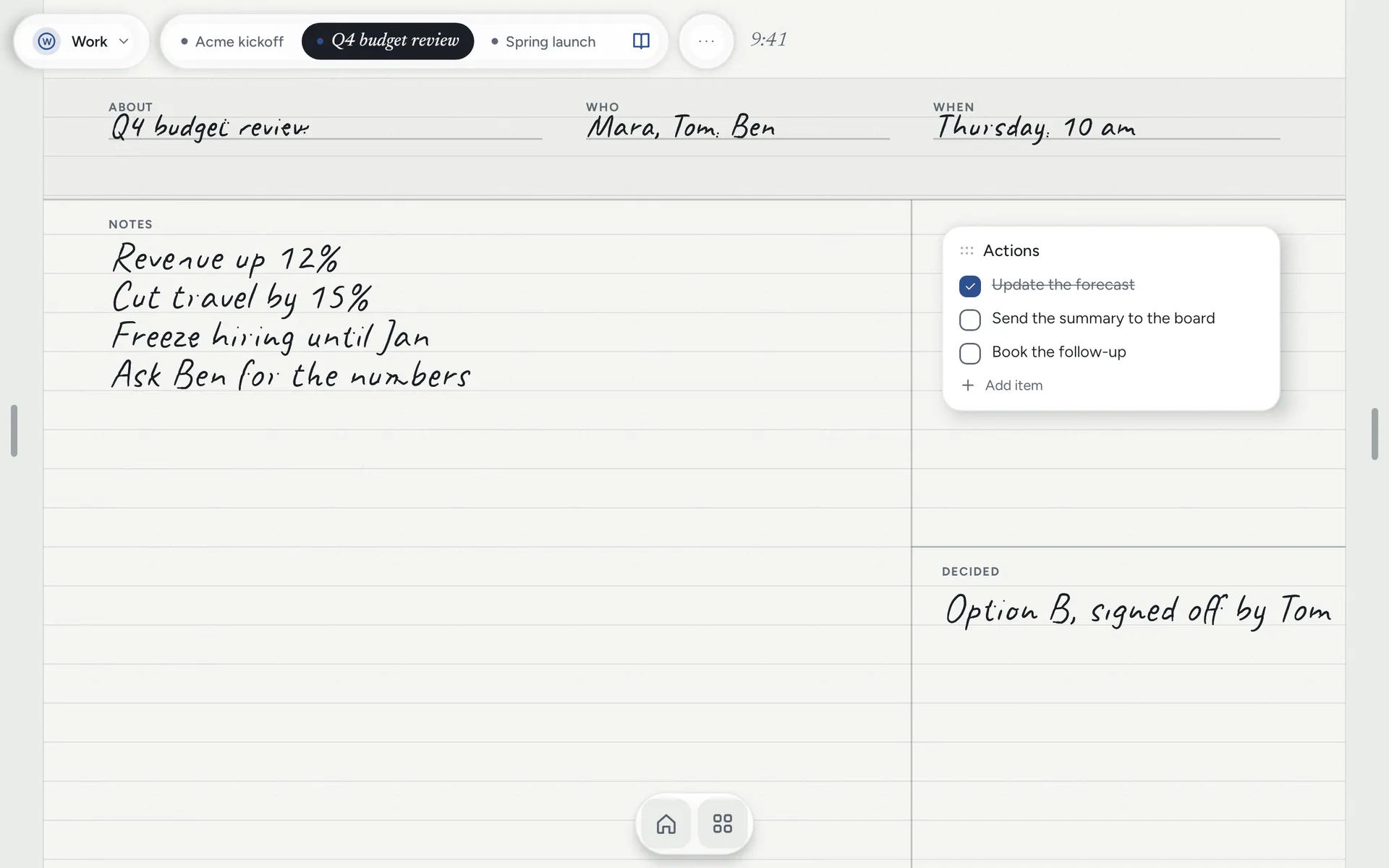
Notes Drawer is a launcher. It replaces the grid of icons with a sheet of paper, so waking the screen opens today’s note, ready for the pen. The pen writes wherever there is paper and a finger scrolls. While the pen is near the screen, your palm is ignored.
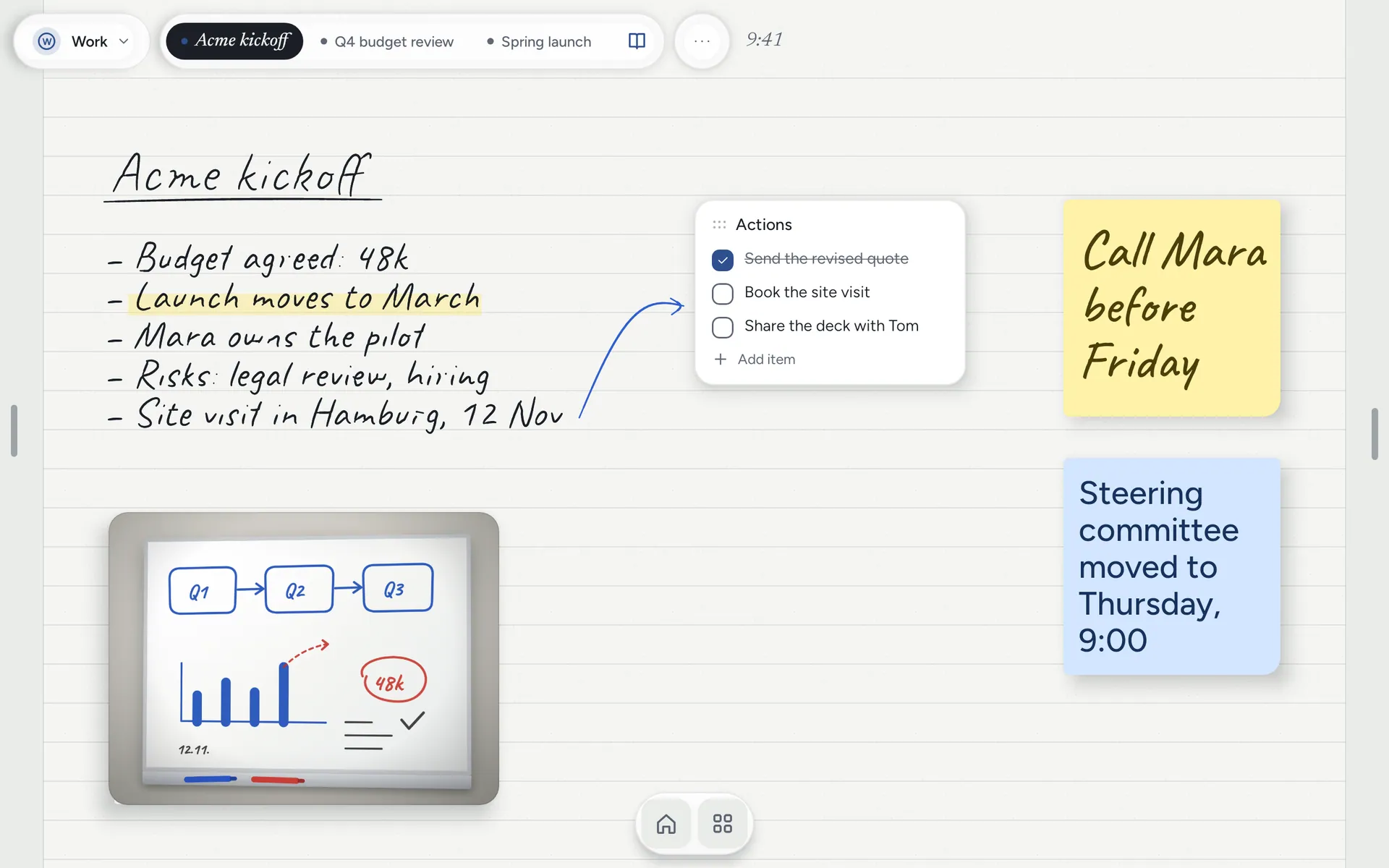
Your handwriting stays handwriting. Hold a patch of writing to move it, drag its corner to resize it, or turn it into a note card or a to-do with one tap. The writing stays where it was.
Everything else on the same paper
A notebook is not only for writing. Hold the paper anywhere and add what you need right there: a note card, a to-do list, a mind map that lays itself out as you type, a photo, an app or a widget. The slide deck sits beside the meeting notes, the calendar beside the week.
Paper never asked you to sign in
There is no account and no server to send your notes to. Notes Drawer has no ads and no analytics; if the app crashes, an anonymous crash report is sent so it can be fixed, and nothing else leaves the tablet. A backup is written each day you use it, and deleted notes wait 30 days in the Trash.
Try it before you switch
You do not have to make it your home screen on day one. Open it like any other app, write a page or two, and switch in Settings when you are ready. It runs on Android 10 or later, on tablets, foldables and phones, in English, French, German, Spanish, Afrikaans and Hindi.